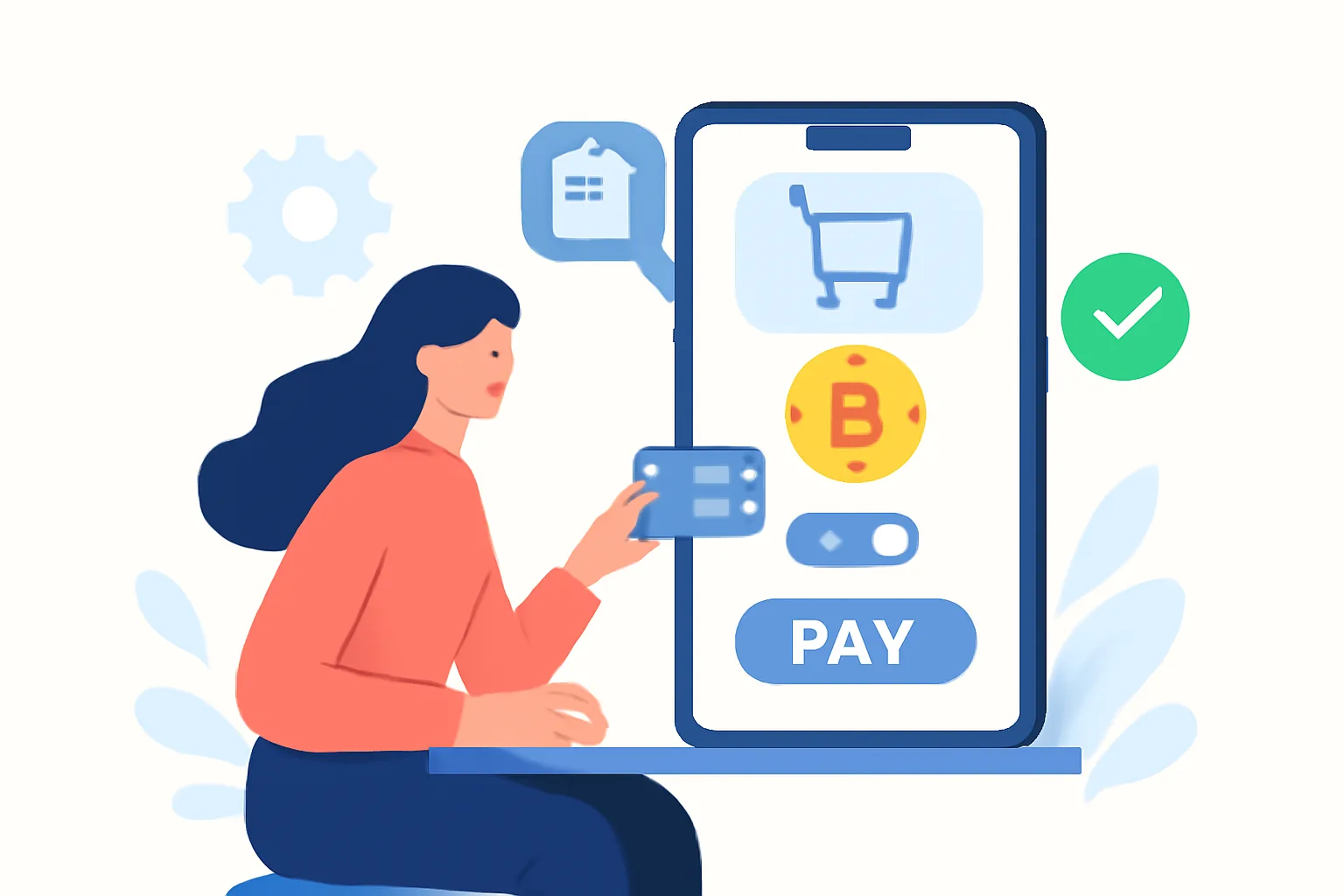
Why testing matters before launch
Launching a crypto payment gateway without testing is a bit like opening a store with the lights on, the doors unlocked, and the register left to chance. It may work. Or it may turn into a mess of missed payments, confused customers, and support tickets that all begin with the same sentence: “I paid, but the order didn’t go through.”
Unlike card payments, crypto transactions bring a few extra moving parts into the picture. There is the wallet address, the selected network, the amount due, confirmation timing, and often a payment window that expires if the invoice is left open too long. If any one of those pieces is off, the result can be a failed payment, an underpaid invoice, or a transaction that the customer believes was completed while your system still shows pending.
That is why the safest approach is to treat testing as part of the launch, not an optional prelude. A merchant who test crypto payment gateway before going live carefully can catch wrong amounts, broken confirmations, duplicate callbacks, and wallet mismatches before any customer money is at stake. It also gives your team a chance to rehearse support replies and internal workflows. If a customer asks where their payment went, you want a clear answer — not a scramble.
If you are still comparing gateways or planning the broader setup, it helps to pair this checklist with a practical implementation guide such as the Crypto Payment Gateway for Ecommerce Guide — Payora. The technical decisions you make there determine what you should test here.
What “sandbox testing” means for crypto payments
Sandbox testing is a safe environment that simulates payments without using real funds. It lets you check how your system behaves when invoices are created, addresses are generated, webhooks are sent, and payment statuses change from unpaid to pending, confirmed, or failed.
Think of it as a dress rehearsal. You are not trying to prove that money moves on the blockchain; you are trying to prove that your own systems react correctly when it does. That includes your storefront, your backend, your billing platform, your email notifications, and any automation tied to payment status.
In a good sandbox, you should be able to test:
- API responses when an invoice is created
- wallet address generation for each order
- QR code rendering on the checkout page
- webhook delivery after a simulated transaction
- status transitions such as pending, confirmed, expired, or cancelled
- edge cases like partial payment and delayed confirmation
One practical point: sandbox behavior is not always identical to production. That is normal. The goal is not perfect imitation; the goal is confidence. Once you know your integration works in the test environment, you can move to production with a much smaller risk of embarrassing surprises.
Core test cases for gateway setup
Before you accept a single real payment, test the scenarios that most often break in production. You do not need to test every theoretical edge case on day one, but you do need to cover the ones that affect orders, invoices, and customer trust.
- Successful payment: A customer pays the exact invoice amount on the correct network, and the order updates to paid after the required confirmations.
- Failed or invalid payment: The transaction is sent to the wrong address, the wrong asset, or the wrong network, and your system rejects or flags it correctly.
- Underpayment: The customer sends less than the invoiced amount. Check whether the order remains pending, is marked partial, or prompts the customer to top up.
- Overpayment: The customer sends more than expected. Your system should not silently mis-handle the excess or create a reconciliation problem.
- Duplicate callbacks: The gateway sends the same status update more than once. Your backend should not create duplicate orders or send multiple “payment received” emails.
- Delayed confirmations: The blockchain confirms more slowly than expected. Verify that your pending state is honest and that the order is not prematurely fulfilled.
- Refunds: If your setup supports refunds, confirm how the request is initiated and how the customer is notified.
- Currency and network selection: Make sure the checkout shows the correct coin and chain, especially if you accept more than one asset or network.
A useful habit is to write each test as a short script: action, expected result, and actual result. That simple structure makes failures easier to diagnose. It also stops teams from relying on memory, which is a pleasant thing until it is not.
If your business model depends on precise invoice handling, you may also want to review how crypto payment flows behave in service businesses, not just stores. The article on crypto payment gateway for freelancers is useful for understanding invoice-driven workflows and why status accuracy matters so much.
How to test the invoice flow end to end
The invoice flow is where most merchants discover whether their setup is genuinely ready or merely looks ready. The process should feel simple to the customer: create invoice, show address, pay, wait for confirmation, receive status update, complete order. Behind that simplicity, though, there are several checks to perform.
1. Invoice creation
Start by generating a new invoice from your checkout or admin panel. Confirm that it contains the right amount, currency, order reference, and expiration time. If your business uses variable pricing, make sure tax, discounts, and shipping are all reflected correctly before the invoice is finalized.
2. Payment address assignment
Each invoice should receive the correct payment address or payment identifier. Verify that the address is unique where required and that it maps to the right order in your system. If the same address appears on two invoices, you have a reconciliation problem waiting to happen.
3. QR code display
For mobile users, the QR code is often the fastest route to payment. Scan it with a wallet app and confirm that it opens the intended payment screen, with the right asset, network, and amount prefilled. A broken QR code is the kind of small bug that creates big friction.
4. Customer payment
Send a test payment from a wallet you control. Use the amount exactly as displayed, and then repeat the test with a slight underpayment and overpayment if your gateway supports those cases. Watch whether the invoice page updates in real time or only after refresh. Both are acceptable if clearly documented, but your customers should not be left guessing.
5. Network confirmation
Confirm that the invoice does not switch to paid too early. Depending on the network and your settings, there may be one confirmation, several confirmations, or a different confirmation policy for different assets. The important thing is consistency. If your dashboard says confirmed, the order should truly be safe to fulfill.
6. Final settlement and notification
Once payment is confirmed, the customer should receive the right notification, and your backend should record the final payment status. Check email templates, order notes, webhooks, and any internal accounting exports. A completed payment that never reaches your fulfillment system is not a completed payment.
For merchants testing across different storefront setups, there can be value in seeing how the integration behaves in a broader ecommerce context. The Crypto Payment Gateway for Ecommerce Guide — Payora offers a helpful reference point for how gateway logic typically fits into an online store architecture.
Webhooks, callbacks, and backend reconciliation
Even a well-designed checkout can fail quietly if webhooks and backend reconciliation are not working as expected. In crypto payments, the payment event often happens away from your website, and your system learns about it through callbacks or API polling. That means the plumbing matters as much as the visible checkout page.
Start with webhook delivery. Send a test transaction and confirm that your server receives the event promptly. Then check the event payload: does it contain the correct invoice ID, status, amount, network, transaction hash, and timestamp? If any of those values are missing or malformed, your automation may behave unpredictably.
Signature verification is another essential checkpoint. If the gateway signs webhook requests, validate the signature against the expected secret or public key. This protects you from fake callbacks and also tells you whether your code is actually checking authenticity, not merely assuming it.
Retry logic matters too. Networks fail. Servers timeout. Requests get dropped. A reliable gateway should retry delivery when your endpoint is temporarily unavailable. Your side should be ready for repeated delivery without processing the same event multiple times. That is where idempotency comes in: the same payment notification should update the order once, not five times.
Finally, compare the gateway’s status record with your own order system. If the gateway shows confirmed and your internal order still shows unpaid, something is wrong in the reconciliation chain. This mismatch is easy to miss on a quiet day and expensive to miss on a busy one.
UI and customer experience checks
Testing is not just about data and callbacks. It is also about how the experience feels to the person paying. A technically correct checkout can still be frustrating if the instructions are unclear or the page behaves badly on mobile.
Review the text on the checkout page carefully. The payment instructions should be plain, specific, and hard to misunderstand. If the customer must send only one asset on one network, say so clearly. If they need to wait for confirmations before the order is released, explain that too. Customers are surprisingly forgiving when expectations are set well.
Timers deserve special attention. If your invoice expires after a fixed window, the countdown should be visible and accurate. Test what happens when it reaches zero. Does the page show a clear expiration message? Can the customer generate a new invoice? Does support get alerted? A vague “something went wrong” message at expiration is a missed opportunity.
Also test your error states. What does the user see if they paste the wrong address? What if they send the wrong coin? What if the payment arrives after the invoice has expired? These moments are where customer confidence is won or lost. Clear guidance beats a generic failure notice every time.
Do not ignore mobile behavior. Scan the page on a phone, rotate the screen, switch between wallet apps, and see how the QR code and instructions behave. Many crypto payments happen on mobile, often in a hurry, and that is exactly when a cramped layout becomes a problem.
If your checkout includes multiple payment methods, the crypto path should feel just as polished as the rest. That level of consistency is one of the strongest signs that your gateway is ready for real users.
Go-live readiness checklist
Once the testing is complete, it is tempting to rush into production. Resist that urge. A short final review is cheaper than a long support incident.
- Confirm that sandbox keys are replaced with production keys
- Verify wallet addresses and supported networks in the live configuration
- Check that your invoice and webhook endpoints are pointed to the correct environment
- Test one real low-value payment before opening the gateway fully to customers
- Confirm that accounting, fulfillment, and support teams can see payment status updates
- Review email templates, receipts, and order notifications for live branding and accurate instructions
- Make sure monitoring and alerting are active so failed callbacks or status mismatches are noticed quickly
That low-value live payment is worth the extra effort. It tells you whether the production environment behaves the way the sandbox did, and whether any last-minute permissions, address settings, or network parameters were missed. Keep it simple, document the result, and only then scale up.
It is also smart to verify your payment flow in the specific platform you plan to use. For merchants in hosting or subscription billing, a practical reference is the guide on how to accept crypto payments, which shows why billing logic and payment status handling need to be in sync from the start.
In the end, testing a crypto payment gateway before going live is not about chasing perfection. It is about removing avoidable surprises. When the invoice flow is clean, the webhooks are reliable, and the customer sees clear instructions at every step, the whole experience feels effortless. That is the goal: not just to accept crypto payments, but to do it with enough confidence that both your team and your customers can move on without drama.


Comments