What a crypto payment gateway for WHMCS is
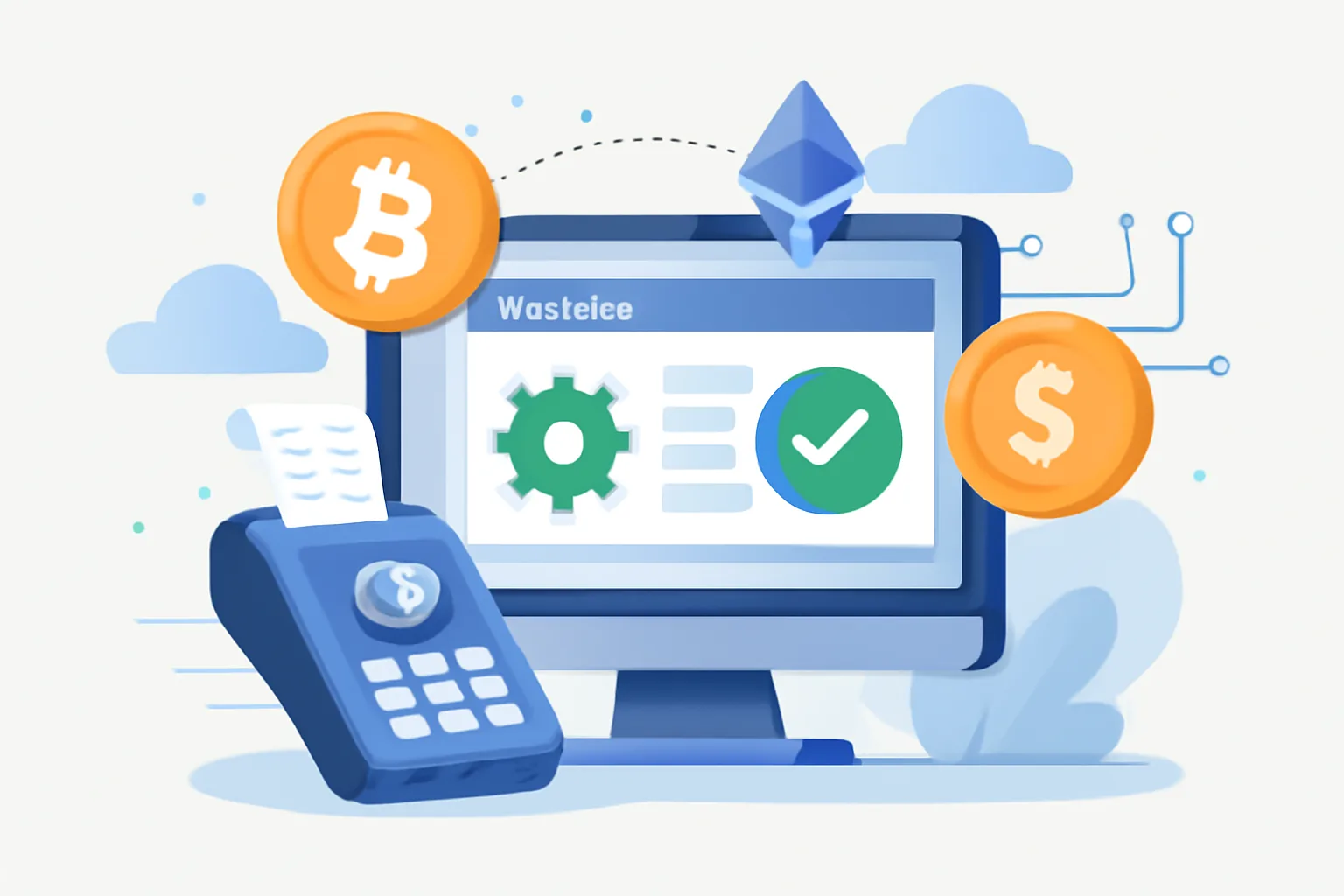
A crypto payment gateway for WHMCS is the bridge between your billing system and a customer’s cryptocurrency wallet. In plain terms, it lets a client pay an invoice in Bitcoin, Ethereum, or another supported coin, while WHMCS handles the usual billing logic behind the scenes. The gateway receives the payment details, tracks whether the transaction arrives, and updates the invoice status once the payment is confirmed.
That matters because WHMCS is built to manage recurring services, client accounts, invoices, and provisioning, and it already knows how to issue an invoice, wait for payment, and trigger the next step in your workflow. A crypto gateway simply plugs into that flow, so instead of only seeing card or bank transfer options, the customer can choose a digital asset at checkout.
If you have ever worked with a standard payment module, the pattern will feel familiar. The customer opens an invoice, selects the payment method, is redirected or shown a wallet address, and then sends the funds. Once the blockchain transaction reaches the required number of confirmations, WHMCS can mark the invoice as paid and continue with automation. In practice, that means less manual chasing of payments and fewer “I sent it, did you get it?” support tickets.
For a broader look at how crypto payments fit into online commerce systems, it can help to compare workflows across platforms. A useful starting point is Crypto Payment Gateway for Ecommerce Guide — Payora, which shows the same core idea in a different environment: the gateway connects checkout, payment confirmation, and business automation.
Why businesses use crypto payments with WHMCS
Businesses do not add crypto payments just because they are novel. They do it because the billing problem is real. Customers in some regions have limited access to cards, preferred payment methods vary, and bank transfers can be slow or awkward. A crypto option gives those clients another route to pay, especially if they already hold digital assets and would rather use them than convert to fiat first.
WHMCS users often feel this most sharply in hosting, VPS, dedicated server, VPN, and other digital service businesses, and these models tend to have customers scattered across countries and time zones. A payment method that works globally, without the usual card decline issues or cross-border friction, can make a noticeable difference. SaaS providers and agencies with international clients see similar benefits, particularly when they bill in multiple currencies or serve customers who want faster settlement.
There is also the matter of customer preference. Some buyers like the privacy and control crypto can offer. Others simply want convenience: if they already have a wallet open, paying an invoice may be quicker than entering card details, and that said, convenience only matters if the experience is clean. A clunky payment page or confusing confirmation process can undo the advantage fast.
In the best cases, crypto becomes one more reliable payment lane in a broader billing strategy. You are not replacing every method you already support; you are expanding choice. That is often the smartest way to approach it, especially for businesses that need to balance flexibility with a predictable revenue workflow.
How to accept crypto payments in WHMCS
To accept crypto payments WHMCS-style, the process usually starts with choosing a gateway provider that offers a WHMCS module or a clear integration path. Once you have that, the setup generally follows the same shape as other payment modules: install the module, add your API credentials, configure supported coins, and map the gateway behavior to WHMCS invoice logic.
The first practical decision is which coins you will support, and some businesses keep it simple and accept only one or two major assets. Others add stablecoins to reduce exposure to price swings. The right choice depends on your audience and your accounting comfort level. More coins can mean more flexibility, but they also introduce more operational detail.
Next comes the payment flow itself. A typical customer journey might look like this:
- The customer logs into the client area and opens an unpaid invoice.
- They choose the crypto payment method at checkout.
- WHMCS sends the invoice amount and reference data to the gateway.
- The gateway displays the payment instructions or wallet address.
- The customer sends the required amount from their wallet.
- The gateway monitors the blockchain and confirms the payment.
- WHMCS updates the invoice and triggers any related automation.
That sounds simple, but the details matter. Exchange-rate timing, payment expiration windows, underpayments, and network fees can all affect how smoothly checkout works, and a good gateway should make those edge cases visible rather than hiding them. If a client pays a few minutes late, or sends slightly less than expected, your system should tell you what happened instead of leaving the invoice in limbo.
Testing is not optional. Before you point live traffic at the gateway, run through the complete journey with test invoices and wallet transactions. Confirm that WHMCS records the payment correctly, marks the invoice paid at the right point, and behaves properly if the transaction is pending, delayed, or overpaid. If you want a checklist for pre-launch testing, this guide may help: how to test a crypto payment. The language is different, but the logic is the same: verify the boring things before customers do it for you.
WHMCS crypto billing: invoices, automation, and renewals
One reason WHMCS is so popular is that it handles billing automation elegantly. Crypto can fit into that structure, but only if the gateway is built with invoice states and confirmation rules in mind. A one-time invoice should not be treated the same way as a recurring renewal, and a payment that is still awaiting confirmations should not trigger provisioning too early.
In a typical setup, WHMCS creates the invoice, the gateway generates the payment request, and the module watches for the blockchain confirmation, and once the required conditions are met, the invoice status changes from unpaid or pending to paid. From there, WHMCS can send the standard confirmation email, activate a service, or renew an existing subscription.
Recurring renewals deserve special attention. If a client pays a hosting renewal in crypto, your workflow needs to decide whether the invoice amount is fixed at the time it is issued or recalculated using a live exchange rate. If the price moves sharply during the payment window, you need a clear rule for handling the difference. That rule should be visible to the customer. Ambiguity is where support queues are born.
Automation can also extend beyond invoice status changes. You may want delayed reminders for unpaid crypto invoices, special labels for manual review, or separate handling for partial payments, and some businesses set policies around how long an invoice remains valid before a new rate must be generated. Others allow a short grace period. The right answer depends on how volatile the asset is, how quickly customers usually pay, and how much internal friction your accounting team can tolerate.
If you are also billing clients outside of WHMCS, you might notice the same basic pattern appearing elsewhere: invoice, payment link, confirmation, and automated completion. That is why crypto invoicing has become such a common topic among service businesses. For a related perspective, see crypto payment gateway for freelancers. Different audience, same underlying challenge: get paid without adding manual work.
Key features to look for in a crypto gateway
Not every gateway is equally suited to WHMCS. On paper, many providers will promise “easy integration,” but the real test is whether they can handle billing cleanly over time, and that means looking beyond the sales page and checking a few practical features.
- Supported currencies: Make sure the gateway supports the coins or stablecoins your customers actually use.
- Confirmation handling: The module should let you define how many network confirmations are required before marking an invoice paid.
- Exchange-rate management: If invoices are denominated in fiat, you need a clear method for locking or refreshing the crypto amount.
- Webhook reliability: WHMCS depends on timely status updates, so callbacks must be dependable and well documented.
- Wallet custody model: Understand whether the provider holds funds, routes them to your wallet, or uses a hybrid setup.
- Refund and reconciliation tools: You may not need them every day, but you will miss them when you do.
- Fraud and chargeback considerations: Crypto transactions are different from card payments, and your risk model should reflect that.
The wallet custody question deserves a little extra attention. Some businesses prefer non-custodial setups because they want direct control over funds. Others are comfortable with a provider managing the operational side, especially if the reporting is cleaner. There is no universal answer, only trade-offs. Direct control can reduce dependence on a third party, but it also increases your responsibility for key management and backup procedures.
Documentation is another underrated feature. A gateway can be technically capable and still be painful if the WHMCS instructions are vague, outdated, or incomplete, and when you are under pressure to fix a billing issue, clear docs are worth more than clever branding.
Setup overview: installing and configuring the gateway
The exact installation steps vary by provider, but most WHMCS crypto integrations follow a similar pattern. First, you upload or install the gateway module in the WHMCS payment gateway directory. Then you activate it in the admin area and enter the required credentials, usually an API key, secret, merchant ID, or wallet configuration.
After that, you define how the gateway should behave inside WHMCS. That may include selecting the currencies you want to accept, choosing which invoice states should be accepted, and deciding whether the module should auto-detect the exchange rate at the time of invoice creation or at the time of checkout. If the provider supports callbacks, you also need to register the webhook or notification URL so the gateway can report payment status changes back to WHMCS.
Sandbox or test mode should come next. This is where you confirm that the module can create a payment request, recognize a successful transaction, and update the invoice without manual intervention, and it is also the right time to test failure cases. What happens if the customer closes the page midway through checkout? What if the payment arrives after the invoice expires? What if the amount is slightly off? Better to find out with dummy transactions than with a real client and a live renewal deadline.
Once live, keep an eye on the first few invoices carefully. New payment methods often look perfect in staging and then reveal one awkward edge case in production. That is normal. What matters is having a support process ready to catch and resolve those early issues quickly.
Security, compliance, and operational risks
Crypto payments bring operational advantages, but they also bring responsibilities. Security starts with wallet management. If your business controls private keys directly, you need strong internal procedures for backups, access control, and recovery, and a compromised key can be far more damaging than a failed card payment. Even if the gateway is custodial, you still need to understand who controls funds at each stage and how account access is protected.
Volatility is another obvious concern. If you hold crypto on balance, the value can move quickly. Some businesses convert immediately to fiat; others retain part of the balance for treasury reasons. Either way, accounting should reflect the actual flow of funds and the rate used for each transaction, and do not assume yesterday’s exchange rate is still meaningful today.
Compliance and tax treatment also vary by jurisdiction. What counts as revenue, when it is recognized, and how conversion gains or losses should be recorded may depend on local rules. In some cases, accepting crypto can also trigger customer identification or anti-money-laundering obligations, especially if you operate in a regulated sector. This is not an area to improvise. If your business is international, it is worth getting advice that reflects the countries where you actually operate.
There are practical customer-service risks too. Network fees can fluctuate, transfers can be delayed, and users sometimes send the wrong asset to the wrong address. Your support team should know how to identify these cases and what the company policy is for recovery, if any. A clear policy beats improvisation every time.
Choosing the right provider for your business
The best crypto payment gateway for WHMCS is not simply the one with the most coins or the flashiest dashboard, and it is the one that fits your billing model, your support capacity, and your tolerance for operational complexity. A hosting company with frequent renewals may care most about dependable callbacks and invoice automation. A SaaS provider may prioritize recurring billing behavior and clear reconciliation tools. A digital agency may value simple one-off invoicing and easy client instructions.
When comparing providers, pay attention to support quality, and if something breaks at checkout, you want a response from someone who understands both the gateway and WHMCS. Good documentation matters, but responsive support matters more when the issue is live. It also helps to look for a provider that updates the module regularly. Billing systems evolve, dependencies change, and old integrations have a way of failing at inconvenient moments.
Think about maintainability as well. If the setup is too custom, too fragile, or too dependent on one developer who answers emails sporadically, you may save time today and spend it later in support overhead, and simpler is often better, especially for businesses that do not want crypto payments to become a major internal project.
If you are still deciding how crypto fits into your broader checkout strategy, it can help to compare WHMCS against other billing and ecommerce platforms. The principles are similar, even if the implementation differs. For a more general reference point, the Crypto Payment Gateway for Ecommerce Guide — Payora is useful for understanding how payment confirmation, customer flow, and automation connect across systems. Likewise, if you also operate a storefront, crypto payment gateway for WooCommerce offers a good comparison for ecommerce-specific checkout logic.
In the end, the right provider should make crypto billing feel like a normal part of your WHMCS operations, not a side experiment. When it is set up well, the payment method becomes almost invisible: the client pays, the invoice updates, the service continues. That is the real goal, after all. Less drama, fewer manual checks, and a billing system that works the way your business already works.




Comments