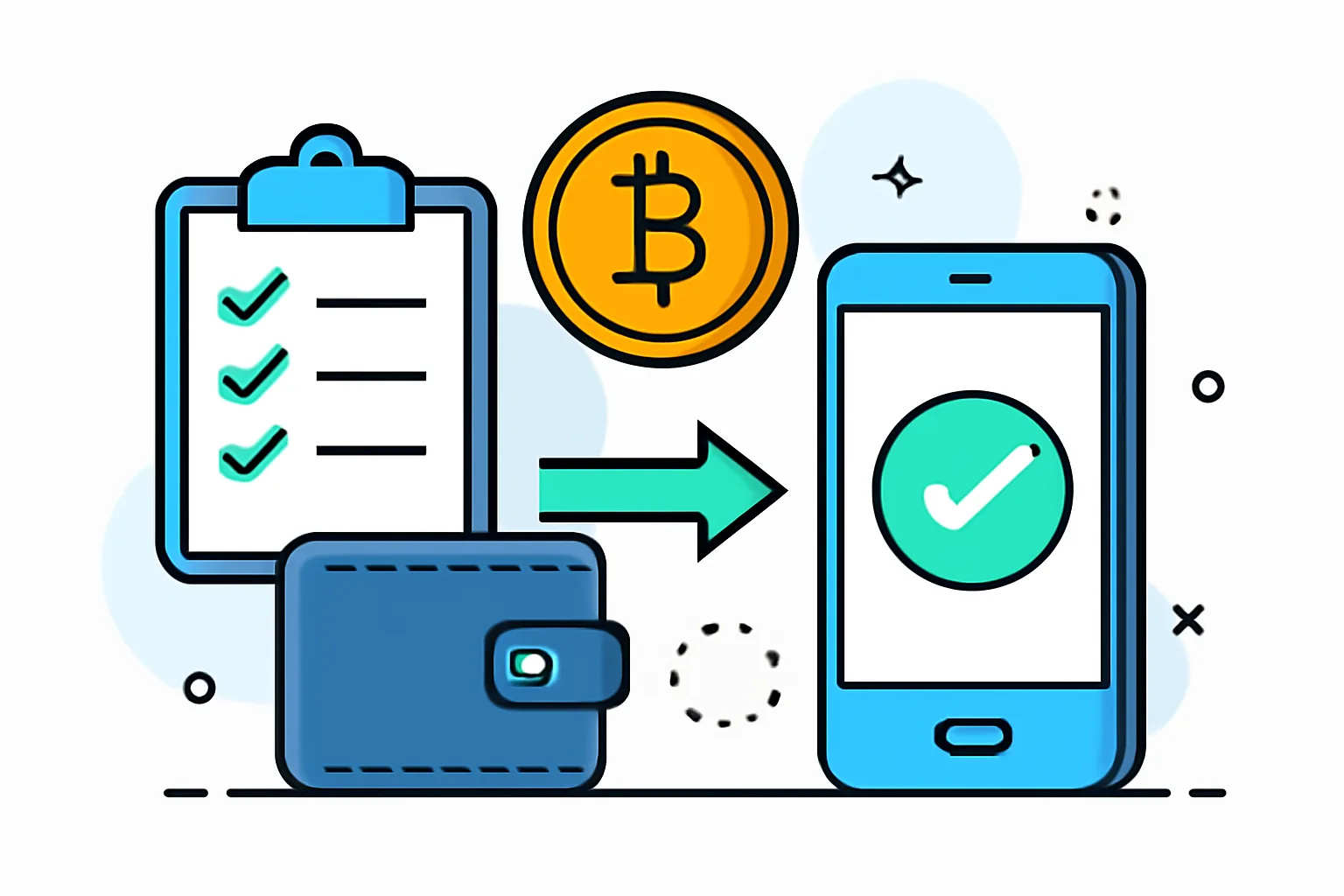
Integrating a crypto payment gateway is rarely just a matter of dropping a widget onto a checkout page. In practice, it touches product decisions, engineering discipline, security hygiene, and customer support all at once. If any one of those pieces is vague, the result is usually predictable: confusing checkout behavior, missed payments, awkward refunds, or a support queue full of “my transaction went through, but my order is still pending.”
This checklist is meant to keep the project grounded. It works whether you are adding crypto payments to a storefront, a SaaS checkout, a billing portal, or a custom order flow. The details will vary, of course, but the same core questions always show up: what are you accepting, how will you confirm payment, what happens when something fails, and who owns the process when the clock starts ticking?
If you are still deciding where crypto fits into your broader ecommerce setup, it may help to look at the bigger picture first with this Crypto Payment Gateway for Ecommerce Guide — Payora. Once the strategy is clear, the integration work becomes much easier to sequence.
1. Define scope and integration goals
Before a single API call is made, define exactly what the gateway is supposed to do. This sounds obvious, yet many integrations fail because the team starts with a technical task instead of a business decision. Are you accepting one coin or several? Will customers pay in crypto only, or will it sit beside cards and bank transfers as an alternative checkout method? Which currencies should be displayed? Which regions are in scope? Do you need a one-page checkout, embedded invoice payments, or a redirect-based flow?
Scope also means being honest about what you will not support. A payment page that tries to serve every market and every asset can quickly become hard to test and hard to explain. It is usually better to begin with a smaller set of supported currencies and regions, then expand intentionally.
Just as important are the operational rules around compliance, refunds, and settlement. For example, will refunds be issued in the original asset or in fiat equivalent? Will settlement happen immediately or after internal review? If your finance team and support team answer these differently, the implementation will drift before it even launches.
- List accepted payment methods and assets.
- Define supported checkout flows and customer journeys.
- Confirm target countries and any regional restrictions.
- Document refund and settlement policies.
- Decide who approves changes to scope after launch.
2. Prepare technical and security prerequisites
Crypto integrations are especially unforgiving when environment setup is sloppy. You will need API keys, sandbox or test credentials, webhook endpoints, and clearly defined access roles for the team. Keep development, staging, and production separated from the start. Mixing keys across environments is one of those mistakes that feels small until you are looking at a payment that somehow exists in two different systems.
Security basics matter here, not as decoration, but as the structure around the entire checkout. TLS should be enabled everywhere, not only on the payment page. Secret storage should be handled outside source code and outside casual team chat. IP allowlisting can be useful when your provider supports it, especially for webhook sources and admin panels. Logging should be enabled in a way that helps diagnose failures without exposing sensitive data.
Access control is part of security too. Not everyone on the team needs full payment admin rights. Define roles for developers, support agents, finance staff, and operations. If the gateway offers granular permissions, use them. If it does not, create internal rules that prevent unnecessary access anyway.
A practical rule: if a teammate cannot explain why they need a credential, they probably should not have it. That sounds strict until the first incident review.
- Store API keys in a secure secret manager.
- Use sandbox credentials for all early testing.
- Create distinct webhook endpoints for each environment.
- Enable TLS across the entire checkout and admin surface.
- Log events, but never log sensitive payment data.
3. Map the checkout and payment lifecycle
Good integrations are built on a clear map of the payment journey. Start with the first visible action: order creation. Then trace every step that follows, including quote generation, customer approval, payment authorization, capture, settlement, and refund. Once that flow is written down, assign responsibility for each step to the frontend or backend.
This is where teams often discover hidden assumptions. For example, the frontend may assume it can mark an order as paid once the payment page shows success. The backend may expect to confirm payment only after a webhook arrives. Those are not the same thing. If the lifecycle is not documented, both sides will confidently build different truths.
It helps to think of the checkout as a sequence rather than a moment. The customer places an order, the system creates a payment reference, the gateway presents an amount and expiration window, the customer sends funds, the provider confirms the transaction, and the backend updates the order state. Each stage has its own failure mode. Each stage also has its own logs, timestamps, and support question.
For teams building custom storefronts, this mapping exercise is similar to the one described in Krypto-Zahlungen auf Websites akzeptieren, where the practical challenge is not simply adding a method, but fitting it into the existing website logic without breaking user flow.
- Create an order in your system.
- Generate or request a payment quote.
- Present the payment instructions to the customer.
- Wait for payment authorization or blockchain confirmation, depending on the gateway model.
- Capture or finalize the order only after trusted confirmation.
- Update settlement and reconciliation records.
- Handle refunds through a documented internal path.
4. Implement signed webhooks correctly
Webhooks are where many payment integrations become fragile. They are also where trust is established. A webhook should not be treated like a friendly note from the provider; it is a machine-to-machine event that must be verified before it is allowed to change any order state.
Start with signature verification. If the provider signs webhook payloads, check the signature on every request before processing anything else. Invalid payloads should be rejected immediately. Do not try to “make sense of” a message that fails verification. That is how attackers, misconfigurations, and odd edge cases begin to look alike.
Secrets should be rotatable without downtime. Build the handler so it can accept the current secret and, during rotation, the previous one if needed. Once the change is complete, retire the old secret cleanly. Avoid hardcoding secrets in deployment configs or commit history.
The handler itself should process only trusted, known event types. Unknown events should be logged and ignored, not improvised. Retrying is normal in webhook systems, so your code should be tolerant of duplicate deliveries. Replay protection matters too, especially when the same event could arrive more than once after a timeout or network interruption.
- Verify every signature before reading business logic.
- Reject malformed or unsigned requests outright.
- Support safe secret rotation.
- Handle retries without creating duplicate side effects.
- Log event IDs for later investigation.
5. Build idempotent payment confirmation logic
Idempotency is one of those words that gets used casually and then ignored in implementation. In payment systems, it is non-negotiable. If the gateway sends the same confirmation twice, your system should still end with one paid order, not two. If a user refreshes the browser, the result should not change. If a webhook retries, the final state should remain consistent.
The simplest approach is to anchor confirmation to a unique payment reference and a clear status model. When a trusted event arrives, check whether the payment reference has already been processed. If it has, stop. If it has not, move the order forward exactly once, then record the transition. Never let the same event perform the same business action twice.
That may sound pedantic, but double-processing creates real problems: duplicate receipts, duplicate shipment triggers, duplicated invoice marks, and confusion in reconciliation. It also makes support harder, because no one wants to explain why one click apparently became two successful payments.
In practice, idempotent logic depends on both the database and the application layer. The database should enforce uniqueness where possible, while the application should perform status checks before any irreversible action. If you are designing this for a commerce platform, the same principles are covered in the broader WooCommerce context in accept crypto payments for WooCommerce, though the underlying lesson applies to custom systems too.
- Use a unique payment reference for each transaction.
- Check current order status before updating it.
- Write confirmation logic so it can run more than once safely.
- Store event IDs and processed timestamps.
- Protect irreversible actions behind status gates.
6. Test failure cases and edge conditions
Most teams test the happy path first, which is sensible, but payment systems earn their reliability in the failure cases. Sandboxes exist for a reason. Use them to simulate timeouts, declined payments, partial payments, duplicate events, expired quotes, and network failures. Do this before launch, not after the first customer discovers a gap.
Expired quotes deserve particular attention in crypto, because price changes and time windows are part of the experience. If the customer waits too long, the displayed amount may no longer be valid. Your checkout should explain that clearly and offer a recovery path. Ideally, the message should be polite and direct, not a cryptic technical error. The same is true for partial payments. If the received amount is short, tell the customer what happened and what comes next.
Network issues are another common blind spot. Test what happens if the callback arrives late, if the frontend loses connection, or if the payment provider temporarily cannot be reached. A good fallback message reassures the customer that the order is still being checked. A bad one makes them start over, which is how support tickets multiply.
If your team wants a formal pre-launch routine, the logic overlaps with this guide on how to how to test a crypto payment. Different stack, same discipline: test the exceptions, not just the demo path.
- Simulate successful payments in sandbox.
- Trigger declined or rejected transactions.
- Replay webhook events more than once.
- Let payment quotes expire.
- Break network connectivity between key steps.
- Confirm the exact user-facing fallback text.
7. Go live with monitoring and support
Launch day should feel like a controlled change, not a leap of faith. Switch production keys carefully, verify that sandbox settings are fully removed, and inspect the first real logs with attention. The first few hours matter disproportionately, because subtle misalignments often show up only when live traffic begins to move through the system.
Monitoring should cover both webhook delivery and payment status mismatches. If a payment is confirmed by the provider but your order remains pending, that is an alert-worthy condition. If webhooks are arriving but the handler is rejecting them, that needs immediate attention too. Set up alerts that point the team toward useful evidence rather than just noise. Nobody benefits from a flood of generic warnings with no context.
Support readiness matters just as much. Write playbooks for common situations: customer says payment was sent, but the order is unresolved; invoice expired before the payment arrived; refund requested after settlement; duplicate payment suspected; webhook retry appears in logs. When the response steps are written down, the team can act quickly without improvising under pressure.
It is also wise to include rollback steps. If a production issue appears, know in advance how to pause new orders, disable the payment method, or switch the checkout back to a fallback option. That is not pessimism. It is professionalism.
- Verify production keys and endpoints after launch.
- Monitor webhook delivery and handler errors.
- Track payment status mismatches between systems.
- Document support responses for common incidents.
- Maintain a rollback plan and owner list.
Bringing the checklist together
A solid crypto payment gateway integration is not built from a single clever feature. It is built from a sequence of careful decisions: scope, security, lifecycle mapping, trusted events, idempotent logic, harsh testing, and disciplined launch procedures. The companies that do this well usually do not look flashy on day one. They just look calm when real customers start paying.
If you want the integration to hold up in production, treat the checklist as a working document, not a one-time task list. Revisit it when your product expands into a new region, when you add another asset, when finance updates settlement rules, or when support notices a pattern in failed payments. That habit is what turns a payment feature into a dependable part of the business.
And if you are building for a specific platform or use case, it can help to compare your internal plan with focused implementation guides, such as the ones for ecommerce, websites, or invoice-based payment flows. The details differ, but the discipline stays the same: verify the trust path, simplify the state model, and test every break in the chain before your customers do it for you.




Comments