What a Crypto Payment Gateway for WooCommerce Is
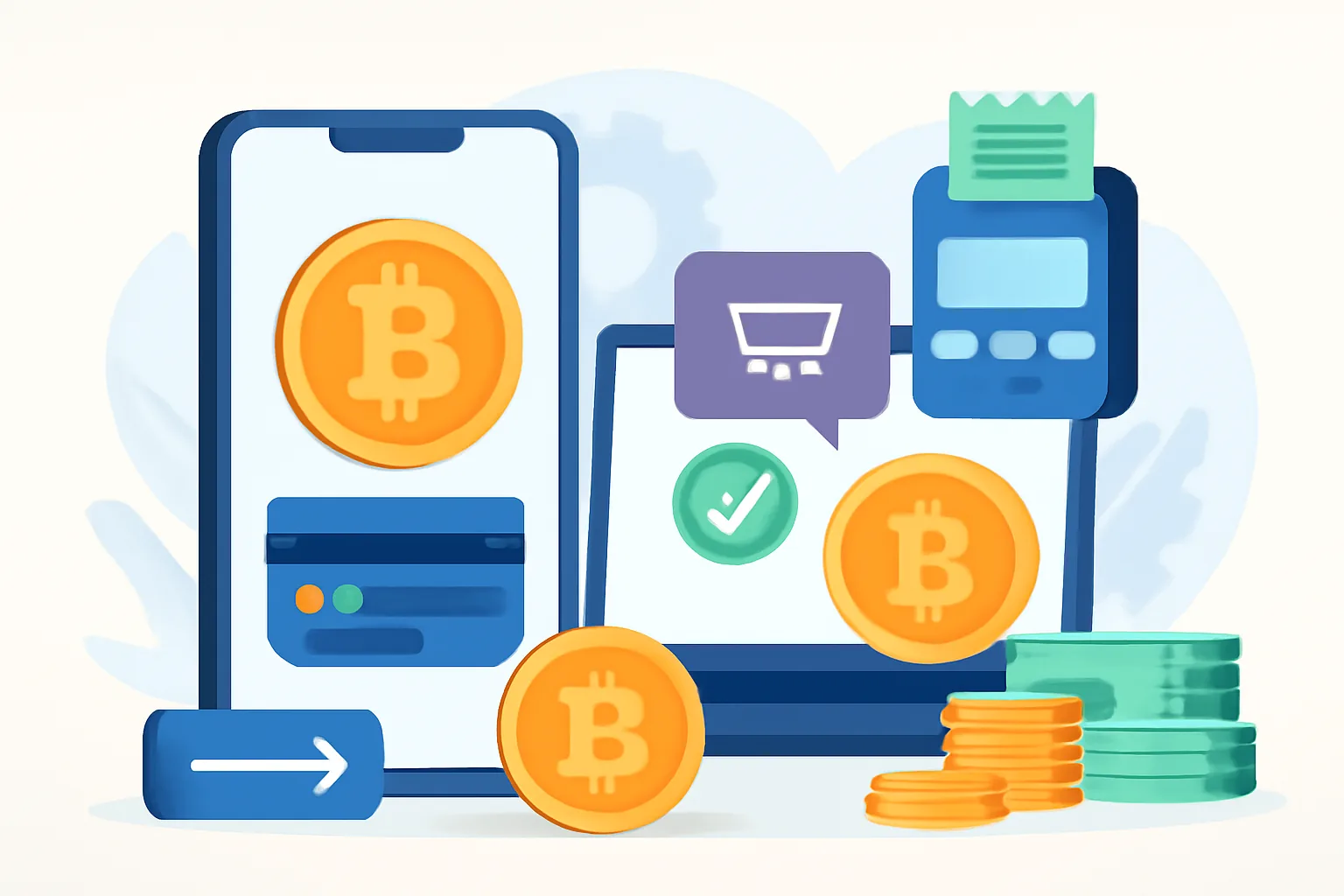
A crypto payment gateway for WooCommerce is a tool that lets your online store accept cryptocurrency at checkout without turning your shop into a manual wallet-and-transaction puzzle. In practical terms, it sits between your customer, your WooCommerce store, and the blockchain payment flow, making the process feel much closer to a normal card payment than to a peer-to-peer transfer.
Here is the basic idea: instead of asking a customer to copy a wallet address from a static invoice and send funds manually, the gateway generates a checkout payment request, tracks the transaction, and updates the order status when the payment is detected and confirmed. That means less copying, fewer mistakes, and a much cleaner experience for both sides.
It is worth separating gateway-based processing from direct wallet payments. A direct wallet payment usually means you publish one or more wallet addresses and ask the customer to send crypto manually. That can work for very small setups or one-off sales, but it is easy to make mistakes, hard to reconcile, and awkward for customers who are not used to blockchain transfers. A gateway-based setup, by contrast, automates the parts that usually cause friction: payment instructions, address generation, conversion checks, and order confirmation.
For store owners already familiar with WooCommerce, the gateway behaves much like a standard payment extension. The difference is in the settlement path. Instead of relying on card networks or traditional processors, the plugin connects your store to blockchain payment processing and handles the operational details behind the scenes. If you have ever read a broader crypto payment gateway for ecommerce guide, the WooCommerce case is really the same logic applied to WordPress stores with a checkout flow people already recognize.
Why Store Owners Use Crypto Payments in WordPress
There is no single reason merchants add crypto checkout, and usually it is not about chasing a trend. The more common motivation is practical: expanding payment choice. Some customers simply prefer to pay with digital assets, whether because they already hold them, want to avoid card usage, or need a payment method that works across borders without much ceremony.
Global reach is a major attraction. WooCommerce stores often sell internationally, and crypto can help remove some of the familiar friction around currency conversion, card declines, and region-based payment limitations. For a small shop that sells digital products, consulting time, or niche goods, that can matter a great deal. A customer in one country does not always want to go through a bank transfer or enter card details for a low-ticket purchase. Crypto can feel faster and more direct, and it can help merchants accept crypto payments in WordPress without adding much complexity.
Merchants also use crypto as an additional checkout option rather than a replacement for cards or wallets. That is often the most sensible approach. Some buyers are loyal to traditional payment methods; others would rather use Bitcoin, stablecoins, or another asset they already have in a wallet. When you offer both, you meet customers where they are instead of forcing them down one narrow path.
There is another, quieter reason: fewer failed payments in some cases. Traditional payment flows can be blocked by issuer rules, bank limits, or geographic restrictions. Crypto does not eliminate all payment risk, but it does shift the model. The store owner decides which networks or coins to support, and the customer pays from a wallet they control.
That said, it is best to treat crypto payments as part of a broader payments strategy, not a magic fix. The strongest setups usually combine convenience, clear checkout messaging, and careful operational controls. If your store also serves freelancers, digital creators, or B2B buyers, you may find it useful to compare use cases across different business models, such as a crypto payment gateway for freelancers workflow versus an ecommerce checkout. The technical core is similar, but the customer journey is not.
How a WooCommerce Crypto Payment Plugin Works
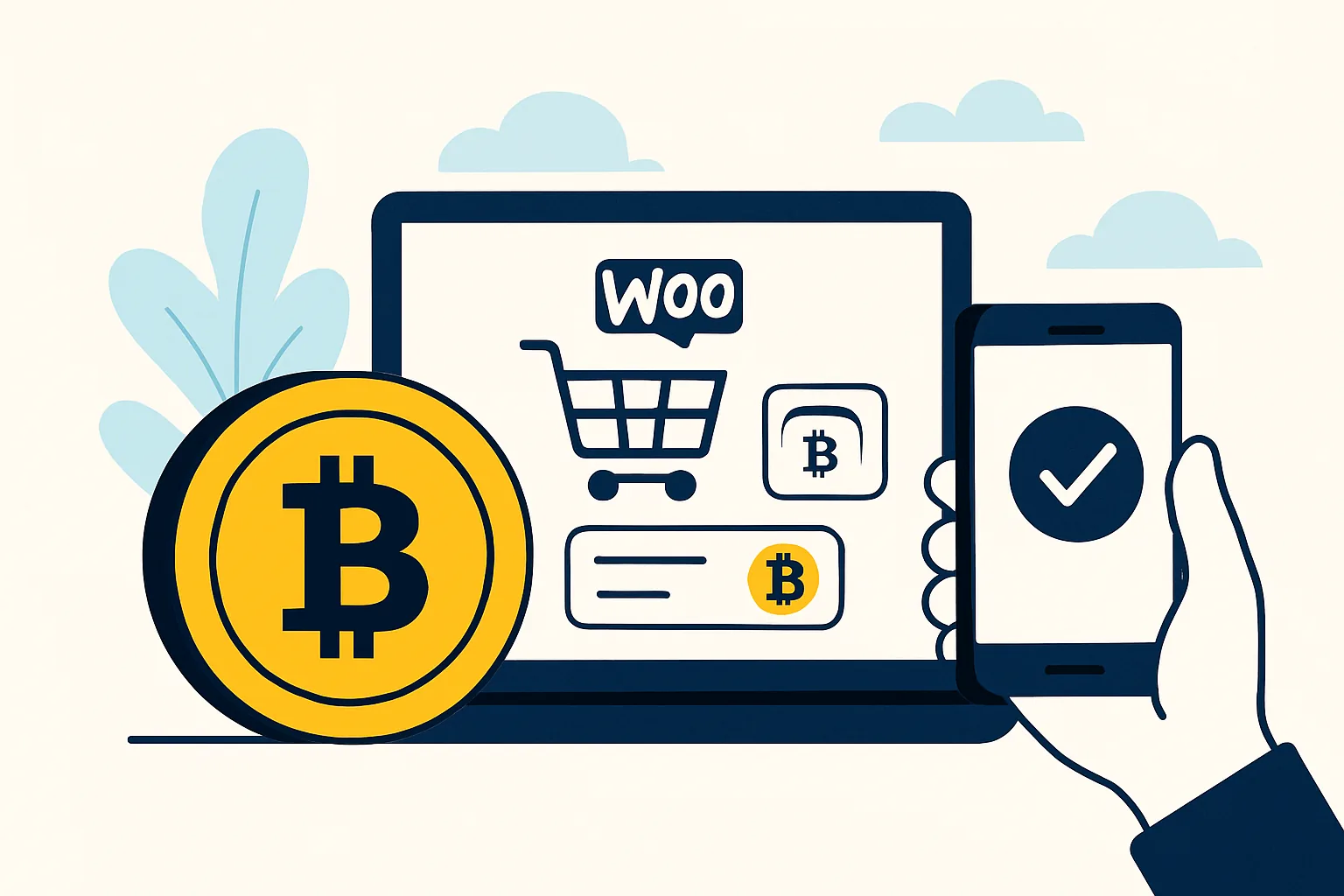
A WooCommerce crypto payment plugin adds a new payment method to your store and connects checkout to a cryptocurrency payment flow. Once installed and configured, it appears alongside your existing gateways in WooCommerce settings, and customers can choose it during checkout just like they would choose card or bank transfer.
Behind the scenes, the plugin typically does several things at once. It creates a payment request, calculates the amount due in the selected cryptocurrency, monitors the blockchain for incoming funds, and updates the WooCommerce order status when payment conditions are met. Some plugins also support callbacks or webhooks, so the store does not have to keep refreshing for confirmation. That is the difference between a payment that just sits there and one that actually moves through your order pipeline.
In a typical flow, the customer selects crypto at checkout, sees the payable amount, sends the funds from their wallet, and then waits while the gateway checks the transaction. Depending on the setup, the order may move to “pending payment,” then to “processing” or “completed” after the required confirmations. For physical products, that confirmation step matters. For digital goods, the store owner often wants a faster but still controlled release process.
The plugin also acts as the translation layer between your store’s pricing and the blockchain environment. WooCommerce prices are usually set in fiat currency, but customers pay in crypto, which can fluctuate. The plugin may calculate the exchange rate at the moment of checkout and hold that quote for a limited time. This is the part that keeps the experience from becoming a moving target every time the market shifts.
If you are thinking in terms of implementation, a plugin-based setup is much easier than building custom wallet logic from scratch. It gives you a familiar admin interface, order status handling, and configuration fields rather than a pile of bespoke code. For merchants who already use WordPress daily, that simplicity is often the deciding factor.
Key Features to Look for in a Crypto Payment Solution
Not every crypto payment solution is equally useful for WooCommerce. Some are bare-bones, others are overloaded with options you may never touch. The trick is to look for features that improve the checkout experience, reduce operational work, and protect the store from avoidable mistakes.
- Support for the coins or networks your customers actually use
- Automatic order confirmation after payment detection
- Reliable exchange-rate handling and payment quotes
- Wallet integration that works cleanly with your chosen workflow
- Invoice generation or payment records for accounting
- Refund support or clear refund procedures
- Security controls such as webhook verification and admin access protection
- Compatibility with WooCommerce extensions you already depend on
Supported coins and networks should come first. If your customers mostly hold one or two assets, there is no reason to support everything under the sun. On the other hand, if you sell to a broad international audience, you may want more flexibility, especially if your buyers prefer stablecoins or a particular chain for lower fees.
Automatic order confirmation is another feature that sounds small but changes daily operations. Manual confirmation may work for hobby stores, but once you are handling real volume, you will want the system to recognize payments promptly and update orders without human intervention. Nobody enjoys checking blockchain transactions one by one before breakfast.
Exchange-rate handling deserves special attention. The price a customer sees at checkout should be clear and time-bound. Good plugins make this transparent and reduce the risk of underpayment or disputes. Likewise, invoice support matters more than many people expect. Even if your accountant never wants to hear the word “wallet” again, clean records still matter.
Security controls are not optional. At a minimum, review how the plugin handles wallet addresses, API keys, callback verification, and admin permissions. If your store processes meaningful volume, it is also worth asking how the provider handles network changes, failed callbacks, or duplicate notifications. That may sound like plumbing, but plumbing is what keeps a store dry.
How to Set Up Crypto Payments in WooCommerce
Setting up crypto payments in WooCommerce is usually straightforward, but it pays to move slowly the first time. A clean setup is less about speed than about avoiding confusion later, especially when real customers start paying with real funds.
- Install the crypto payment plugin from your chosen provider.
- Activate it in WordPress and open the WooCommerce payment settings.
- Connect the gateway or wallet credentials required by the plugin.
- Choose the currencies or networks you want to accept.
- Set your checkout behavior, including order status rules and payment expiration times.
- Configure exchange-rate handling and any rounding preferences.
- Decide whether customers see one fixed crypto option or several choices.
- Test the full flow before enabling it for live orders.
When you connect wallets or gateway accounts, make sure you know which addresses belong to which purpose. It is easy to blur the line between a business wallet, a test wallet, and a personal wallet if nobody documents anything. That mistake is unnecessary and, later on, expensive to untangle.
The checkout settings deserve careful attention. You may want customers to see crypto as an optional payment method rather than the default. You may also want to decide what happens if payment arrives after the quote expires. Some stores cancel the order automatically; others accept it manually if the amount is close and the customer has contacted support. There is no universal answer, but there should be a written rule.
Before launch, test several real-life scenarios: exact payment, slightly delayed payment, partial payment, and overpayment. If your provider offers a way to test a crypto payment gateway before going live, use it. If you need a broader checklist, the practical steps in this how to test a crypto payment guide are a good reference point even if your store is in English, because the same risks show up everywhere.
One more thing: test from the customer’s perspective, not just the admin panel. A checkout can look perfectly fine in WordPress and still feel confusing to someone who is seeing crypto payment for the first time. The labels, timing, and instructions should be understandable without a technical background.
Security, Compliance, and Payment Risk Considerations
Crypto checkout introduces a different set of responsibilities. The payment may be digital, but the consequences of a mistake are still very real. Before accepting crypto, merchants should look carefully at wallet security, payment confirmation logic, volatility, and local rules.
Wallet safety comes first. If you are using self-custody, protect private keys and seed phrases as if they were the master keys to the store, because in practice they are. Use strong access control, limit who can reach the wallet, and keep backup procedures documented. If your gateway uses a custodial or managed approach, review how funds are stored, how admin access works, and what recovery process exists if something goes wrong.
Transaction confirmations are another practical issue. A crypto payment may be visible almost immediately, but that does not always mean it is final. The right number of confirmations depends on the network, the amount at stake, and your own risk tolerance. For low-value digital items, a faster workflow may be acceptable. For high-value goods, more caution is sensible.
Price volatility is impossible to ignore. A customer might begin checkout at one rate and complete payment after the market has moved. Good gateways help reduce that mismatch with time-limited quotes and automatic conversion, but you still need a policy for edge cases. Decide whether you will absorb minor differences, request a top-up, or refund and ask for a new payment.
Tax and accounting questions also deserve attention. Even if the customer pays in crypto, your business still needs records that make sense in your operating jurisdiction. That means tracking order values, timestamps, settlement amounts, and any fees charged by the payment provider. If you already work with an accountant, bring them into the conversation early. They will probably appreciate being included before tax season, which is when nobody is at their friendliest.
Finally, check local regulations. The right setup in one country may not be the right setup in another, especially if you operate cross-border or handle larger transaction volumes. Compliance is not the glamorous part of ecommerce, but it is the part that keeps the business open.
Choosing the Right Crypto Payment Gateway for Your Store
The best crypto payment gateway for WooCommerce is not necessarily the one with the longest feature list. It is the one that fits your store, your customers, and your workflow without creating extra maintenance work.
Start with compatibility. Make sure the solution works cleanly with your WooCommerce version, your theme, and any essential plugins you already rely on. If your store uses subscriptions, multilingual checkout, or complex shipping logic, those details matter more than a flashy marketing page.
Ease of use should be high on the list. A strong gateway should be manageable from the WordPress admin area without requiring a developer every time you want to change a payment setting. Your team should be able to understand how to review orders, check payment status, and handle exceptions.
Fees also matter, although merchants sometimes focus on them too early. A slightly more expensive gateway can still be the better choice if it saves hours of manual reconciliation or improves customer conversion. The right question is not simply “What is cheapest?” but “What does the full payment experience cost me in time, support, and lost sales?”
Customer experience should never be an afterthought. If the checkout instructions are unclear, if payment windows are too short, or if the user has to jump through too many screens, some buyers will abandon the order. Crypto users are often comfortable with wallets, but they still appreciate a checkout that feels orderly and predictable.
It is also smart to compare the store setup with other business models that use the same underlying technology. For example, a merchant selling products through WooCommerce may need slightly different features than a service provider invoicing clients directly. That is why related resources such as the crypto payment gateway for ecommerce guide can be helpful when you are comparing options across use cases.
Common Questions About Accepting Crypto in WooCommerce
Can you accept crypto in WooCommerce without being highly technical? In many cases, yes. A well-designed plugin can handle most of the heavy lifting, and the setup is often similar to adding any other payment method. You still need to understand your settings, but you do not need to build a blockchain app from the ground up, and you can accept crypto payments in WordPress without making the checkout feel experimental.
What happens if a customer pays the wrong amount? That depends on the gateway rules you set. Some plugins can detect underpayments and flag the order for review. Others may require the customer to contact support. This is one reason payment instructions need to be very clear.
Can crypto payments be refunded? Usually yes, but the process is not identical to card refunds. You may need to send funds back manually or follow the provider’s refund workflow. It is best to define that process before your first dispute, not after.
What if the payment fails or arrives late? Again, the answer depends on your configuration. Good systems can mark the order as expired, pending, or partially paid. Late payments are common enough that your support team should know exactly what to say when a customer writes in asking why their order is still waiting.
Do you need to accept every token? No. In fact, most stores should not. It is usually better to support a small, practical set of coins or networks than to offer a long list that makes checkout more confusing. If your customer base is already familiar with a particular asset, start there.
Is crypto checkout only for advanced stores? Not at all. Many WordPress owners add it as a secondary payment option and keep the rest of their stack exactly as it is. The key is to choose a gateway that respects the way WooCommerce already works, rather than forcing your store into a strange shape just to accept one more payment type.
If you approach it carefully, crypto payments can fit into WooCommerce without drama. The trick is to keep the experience simple for customers, strict enough for operations, and flexible enough to grow with the store. That balance is what turns a novelty into a usable payment channel, especially when you want to accept crypto payments in WordPress as part of an everyday checkout experience.


Comments