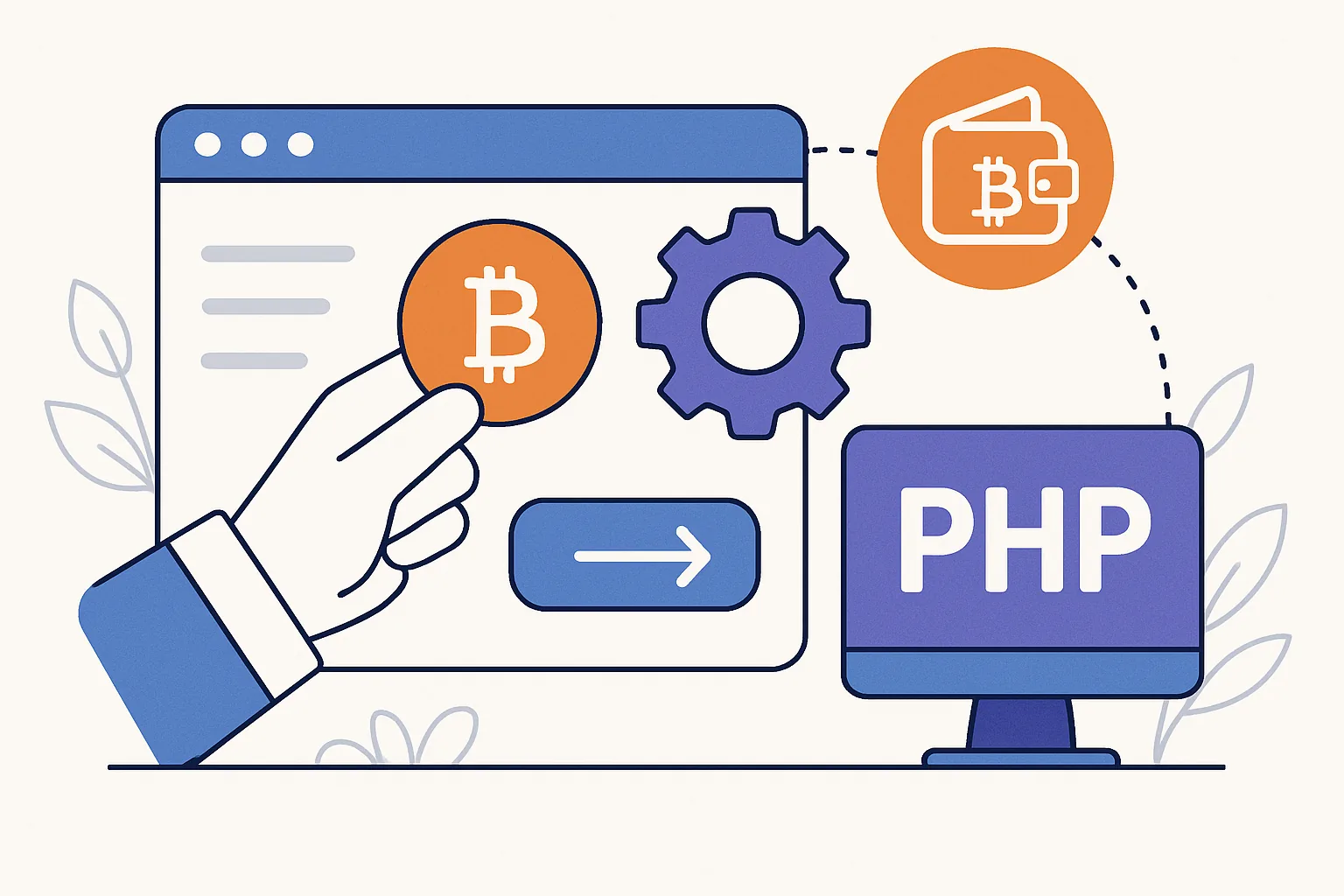
Custom PHP sites have a certain advantage: you control the flow. That makes them a good fit for crypto payments, where the checkout experience, order handling, and confirmation logic often need a few more moving parts than a standard card payment.
If you run a bespoke ecommerce store, a membership site, a digital services portal, or a B2B ordering system built in PHP, you can accept crypto in a way that feels native to your application. The key is to treat it like a payment workflow, not just a wallet address pasted into a page footer. In practice, a crypto payment gateway PHP setup usually sits between your order system and the blockchain, translating an internal order into a payment request and then reporting back when the payment is complete.
That sounds technical, but the logic is straightforward. Your PHP app creates an order. The gateway generates a checkout session or invoice. The customer pays. Your system receives a status update and marks the order as paid only when the payment is confirmed under the rules you set.
Why crypto payments fit custom PHP websites
Crypto works well on custom PHP websites because the checkout can be tailored to your audience and your business model. You are not locked into a rigid plugin flow, and you are not limited to a narrow list of cart platforms. That matters if your site has unusual pricing, subscription logic, regional restrictions, or a multi-step ordering process.
Common use cases include:
- Digital goods and downloads
- Hosting and VPS billing panels
- Freelance invoices and project deposits
- International ecommerce with customers who prefer crypto
- Membership platforms and private communities
What does “accepting crypto” actually mean? Usually it means your PHP site can create a payment request in a supported currency, track the payment address or invoice, listen for updates, and confirm that the transaction reached the required state before unlocking the product or service. Sometimes the customer pays directly to your wallet. More often, especially in production, you use a provider to manage invoices, exchange-rate handling, and payment status callbacks.
That provider layer is where many teams start to see the value of a crypto payment gateway for ecommerce. Even if your site is custom, the core principles are the same: create an invoice, present a checkout, receive confirmation, and update your order workflow safely.
Choose the right integration model
Before writing code, decide how you want to accept crypto. The right approach depends on how much control you need and how much operational complexity you’re comfortable carrying.
1. Direct wallet payments
This is the simplest model: you publish a wallet address and ask the customer to send funds directly. It can work for donations, small one-off payments, or internal testing. For a real business, though, it gets messy quickly. You must monitor the wallet, detect incoming transactions, map them to orders, and deal with underpayments, wrong networks, and accidental overpayments.
Direct wallet acceptance gives you control, but it also puts the burden on your team. If you have a high-volume site or customers who need a polished checkout, it is usually not the best long-term choice.
2. Payment processor APIs
This is the common middle ground. A processor or gateway exposes an API that your PHP app can call to create invoices, retrieve payment addresses, and check payment status. This model is well suited to custom builds because your server remains the source of truth for the order, while the gateway handles the blockchain-facing details.
With this approach, you can keep your product logic in PHP and outsource the messy parts: address generation, exchange-rate conversion, payment detection, and webhook delivery. If you are building a platform that needs reliability and structured status updates, this is often the most practical option.
3. Hosted checkout crypto payments
Hosted checkout means the payment page is served by the provider, not by your own application. Your PHP site sends the order details to the gateway, then redirects the customer to a secure external checkout or opens it in an embedded frame, depending on the provider’s design. For many businesses, this is the easiest path to launch.
This pattern is especially useful when you want to reduce your PCI-like operational burden, avoid handling sensitive payment logic directly, and get a cleaner first deployment. A hosted checkout can still feel branded if the provider supports customization, but the heavy lifting stays off your server. If you want a broader view of the model, the article on crypto payment gateway integration for ecommerce is a useful companion read.
Set up your PHP environment and project basics
Good integrations fail for boring reasons. Missing secrets. Poor HTTPS setup. Webhooks pointing to the wrong environment. So before you wire up the payment flow, make sure the foundation is in place.
- Use HTTPS everywhere, including staging
- Store API keys and webhook secrets in environment variables, not in source control
- Separate development, staging, and production environments
- Create a webhook endpoint that can receive POST requests reliably
- Log payment events with enough detail to trace an order, but never log sensitive secrets
- Make sure your server can make outbound HTTPS requests to the gateway API
It is also wise to have a test mode or sandbox before you go live. That lets you verify the order creation flow, simulate successful and failed payments, and check how your app behaves when a webhook is delayed or repeated. If your integration supports it, test the entire journey, not just the happy path. There is a lot to be said for seeing how your system behaves when a payment is initiated but never completed.
For a practical testing mindset, the guide on how to test a crypto payment covers the sort of checks teams often miss the first time around.
Step-by-step: integrate a crypto payment gateway in PHP
The exact API fields vary by provider, but the workflow is usually the same. Think of it as a sequence rather than a single call.
- Create an order in your PHP application.
- Send the order details to the gateway to create a checkout session or invoice.
- Store the gateway invoice ID, payment reference, or checkout token in your database.
- Redirect the customer to the hosted payment page or render the checkout in your app.
- Wait for webhook updates or server-side status polling.
- Confirm the payment before marking the order as complete.
Here is the logic behind each step.
Create an order or invoice session
Your PHP code should first create a local order record. This record becomes the anchor for the rest of the process. Include the customer ID, product or plan, amount, currency, status, and a unique order reference. Once that exists, call the gateway API and request a payment session tied to that order.
At this point, the gateway typically returns some combination of a payment URL, a unique invoice ID, and a payment address or QR code data. Save those values. If your customer refreshes the page or comes back later, your app should still know how to find the payment session.
Pass order details from PHP
Only send the information the gateway actually needs. Usually that means the order reference, amount, currency, description, and callback or return URLs. Keep internal business logic on your side. The gateway does not need to know your entire pricing strategy or customer history.
When possible, pass an order reference that is easy for your support team to recognize later. A clean reference often saves time during payment disputes or delayed confirmation cases.
Redirect or embed checkout
If you are using hosted checkout crypto payments, redirect the user to the provider’s page after the invoice is created. That keeps the payment experience focused and reduces the chance of your customer entering the wrong address or network.
Embedded checkout can work too, but it should be used carefully. Make sure the iframe or embedded component does not create a confusing visual break or interfere with your own page logic. If the gateway provides both options, hosted redirect is usually the safer starting point for a custom PHP build.
Receive payment status updates
Do not rely only on the browser returning to your site. Customers close tabs. Mobile networks drop. Some people simply walk away while the payment confirms. Your PHP app should listen for webhook notifications from the gateway and use those notifications to update payment status.
In a clean integration, the browser return URL is only a convenience for the user. The webhook is the event that matters.
Build the hosted checkout or payment page flow
A good hosted flow does two jobs at once: it gives the customer a simple payment experience, and it keeps your server in control of the order lifecycle. The trick is to divide responsibilities clearly.
Your server should handle:
- Order creation
- Validation of product or cart data
- Invoice creation request
- Webhook verification
- Final order status changes
The provider’s page should handle:
- Displaying the amount due
- Showing the correct wallet address or QR code
- Accepting the payment
- Reporting the payment state back to your system
When you redirect the customer back to your site, keep the return page informative but not authoritative. It can say “Thanks, we are checking your payment” or “Payment received, confirmation in progress.” It should not declare success unless your server has already verified the event.
That distinction matters. A browser redirect is not proof of payment. A verified callback or confirmed transaction is.
Handle confirmations, webhooks, and payment finality
This is where many teams get into trouble. On-chain payments are not always instant in the business sense. A transaction may appear quickly, but your policy may require one or more confirmations before the order is considered final. That is a business rule, not a cosmetic detail.
Verify incoming webhook events
Every webhook should be treated as untrusted until proven otherwise. Verify the signature or secret supplied by the gateway. Check that the event is for a known invoice. Confirm the amount and currency. Confirm that the order reference matches what you created on your side.
If your gateway supports event IDs, store them. That gives you a clean way to detect repeated delivery attempts and avoid processing the same payment twice.
Wait for finality before fulfilling
The safest pattern is simple: pending first, paid later. Once the gateway says the payment has been detected, update your internal record to a pending-confirmation state. Only after the required confirmations should the order move to paid or fulfilled.
This matters for digital goods, subscription activation, and any workflow where money and access are exchanged automatically. If you release access too early, you may end up granting service for a payment that never reaches finality.
For teams that want a deeper checklist on this stage, the article about testing a crypto payment gateway before going live is a useful reference for webhook and end-to-end verification.
Avoid double-processing
Your webhook handler should be idempotent. In plain English, if the same event arrives twice, the second delivery should not create a second order update, a second receipt, or a second shipment. Use database constraints, event logs, or status checks to make sure your handler only completes the transition once.
That one design choice saves a lot of support tickets.
Security, testing, and production checklist
Crypto payment integrations are not difficult because of the code. They are difficult because of the edges: timeouts, retries, fraud attempts, and production mistakes. A careful launch process helps.
- Use HTTPS for every endpoint
- Verify webhook signatures or shared secrets
- Keep API keys out of the repository
- Separate sandbox and production credentials
- Test success, failure, timeout, and duplicate-event scenarios
- Store a clear audit trail for each order and payment event
- Use idempotent order updates
It is also worth checking how your checkout behaves when the amount changes due to exchange-rate movement, if your provider locks rates for a period. Some businesses prefer a short payment window to reduce volatility. Others prefer a longer window for customer convenience. Neither is universally right; choose the one that fits your pricing model and risk tolerance.
If your business also serves clients billed through hosting-style systems, you may find the WHMCS-focused guide on how to accept crypto payments helpful for comparing implementation patterns, even if your own site is custom PHP.
Troubleshooting and best practices
Even a solid integration will encounter a few familiar problems. The good news is that most of them are predictable.
Callback or webhook never arrives
First check the URL. A staging endpoint accidentally left in production is a classic mistake. Then verify firewall rules, SSL configuration, and whether the gateway can reach your server. If the provider offers delivery logs, use them. They usually tell you whether the request was sent, accepted, or rejected.
Payment shows as pending too long
That can happen for network reasons, customer behavior, or confirmation policy. Your app should display a patient status message and a support path. Avoid hardcoding a short timer that automatically cancels the order before the blockchain has had a fair chance to settle.
Status mismatch between gateway and your database
This is often a synchronization problem. Re-fetch the invoice status from the gateway before changing anything manually. Make sure your database update logic checks the current state rather than blindly overwriting it. A good audit trail is worth its weight in late-night sanity.
Refunds and partial payments
Refund handling depends on your gateway and your internal policy. Partial payments are especially sensitive. Decide in advance whether you accept them, reject them, or mark them for review. If you support invoices for exact amounts, your PHP application should make that rule clear to the customer before they pay.
What to do next
Once the first integration is stable, think about the user experience, not just the plumbing. Add clear checkout instructions. Explain waiting times honestly. Show order references and payment status in the account area. If your business serves repeat buyers, consider saving the customer’s preferred network or payment method where appropriate and permitted by your provider.
Most importantly, keep the payment flow boring in production. Boring is good. Boring means the customer pays, your PHP app confirms, and the order moves forward without drama. That is what a well-built crypto checkout should do.
If you design the integration carefully, a custom PHP website can accept crypto as smoothly as it accepts any other payment method. The architecture does not need to be complicated; it just needs to be disciplined. Build the order first, let the gateway handle the payment mechanics, verify every status change on your server, and do not rush finality. That approach scales far better than improvising with a wallet address and hoping for the best.




Comments