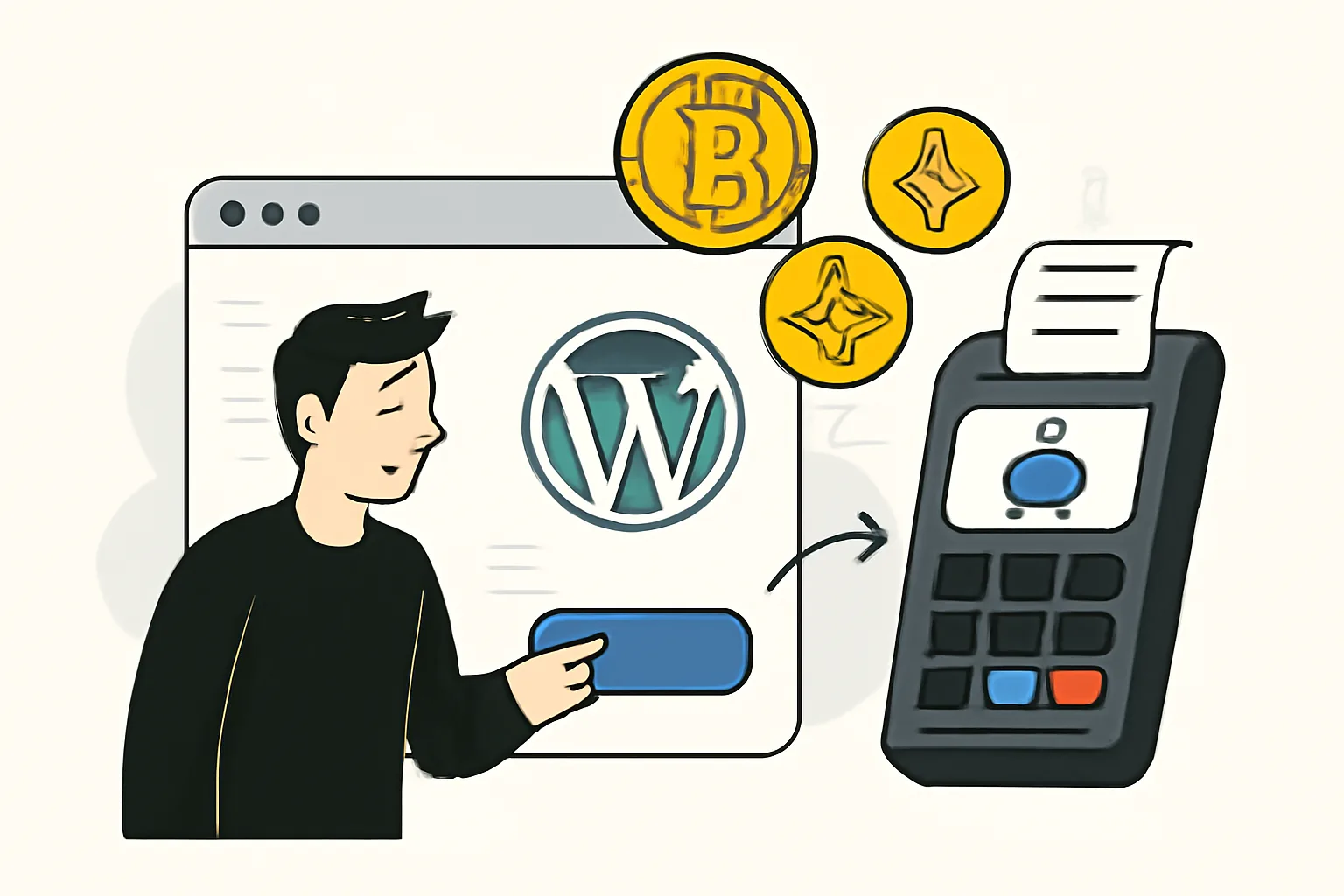
A crypto payment gateway for WordPress is the layer that lets your site accept cryptocurrency payments without forcing you to manage every step manually. In practice, it connects your WordPress site, often through a plugin or checkout flow, to a service that can generate payment requests, track incoming funds, and confirm whether a transaction has been completed.
That sounds simple, but the distinction matters. A wallet is where crypto is stored. A payment processor is the service that helps move and verify payments. A gateway sits in front of the customer experience: it creates the checkout, shows the right amount and address, and tells your site when payment has arrived. On a WordPress site, that usually means the gateway integrates with pages, forms, WooCommerce products, membership checkouts, or donation buttons.
If you want a broader look at the ecommerce side of the same idea, our crypto payment gateway for ecommerce guide covers the merchant view in more depth. WordPress simply adds a familiar publishing and commerce stack on top.
Think of it like this: your customer clicks “Pay with crypto,” the gateway creates a payment request, the customer sends the funds from their wallet, and your site receives confirmation once the payment network has done its part, and depending on the provider, the funds may land in crypto or be converted into fiat automatically.
Why Site Owners Add WordPress Crypto Payments
For many site owners, the first reason is reach. Crypto payments can make it easier to sell to customers who do not want to use cards, bank transfers, or region-specific payment methods. That can matter for creators, consultants, SaaS teams, and digital product sellers working across borders.
Another reason is speed. Traditional settlement can take time, especially with international payments. Crypto can reduce some of that friction, though the exact timing still depends on the network and the gateway’s confirmation rules. For a small business owner, “faster” often means simpler cash flow planning and less waiting around for a card payout cycle.
There is also a customer fit issue. Some audiences already expect to pay in crypto: Web3 communities, developers, privacy-conscious buyers, international freelancers, and buyers in markets where local payment options are limited, and if your audience already uses digital assets, asking them to switch methods can create unnecessary drop-off.
WordPress crypto payments can also help with operational flexibility. A membership site may want to offer an alternate checkout path. A digital download store may want to accept a stablecoin alongside cards, and a donation page may want to accept contributions from anywhere in the world. None of this requires a radical redesign; a gateway can often be added without rebuilding the site.
Still, convenience should be weighed against customer support and compliance obligations. Crypto checkout can simplify one side of the business and complicate another. That tradeoff is worth understanding before launch.
Ways to Accept Crypto on WordPress Site
There is more than one way to accept crypto on a WordPress site, and the best option depends on how your site is built.
Plugin-based gateways are the most familiar path, and you install a plugin, connect your provider, and add payment fields to WooCommerce or a form builder. This is the easiest route for most site owners because it fits into existing WordPress workflows. If your store already runs on WooCommerce, this is usually the least disruptive option.
Hosted checkout is another common model. Instead of processing the entire flow on your own site, you send the customer to a secure payment page hosted by the provider. That can reduce technical complexity and may simplify security responsibilities, since sensitive payment handling is managed off-site, and the tradeoff is that the checkout experience feels less native.
Invoice links are useful when you do not need a full storefront. A freelancer, agency, or coach can generate a crypto invoice for a specific amount and send it by email or chat. On WordPress, these links can be embedded on a pricing page, a client portal, or a contact page with very little friction.
Custom integration is the more advanced path. If you have custom membership logic, special subscription rules, or a highly tailored checkout, you may need a developer to connect APIs directly, and this can be the right choice for complex setups, but it should be done carefully. If the payment flow is mission-critical, test it thoroughly before trusting it with live orders. Our guide on how to test a crypto payment is useful here even if your site is built on WordPress.
Key Features to Look For in a Crypto Payment Gateway
Not every gateway is built for the same job. A good fit depends on what your site sells, who your customers are, and how much operational control you want.
Supported coins: Check whether the gateway supports the assets your customers actually use.
Stablecoin support: Stablecoins can help reduce the headache of price swings during checkout.
WooCommerce compatibility: If you run a store, native compatibility matters more than flashy features.
Auto-conversion: Some merchants prefer to receive fiat or convert crypto on receipt to reduce volatility exposure.
Payout options: Look for flexible settlement methods and clear withdrawal rules.
Security controls: API key protection, transaction verification, and admin access controls should be standard.
Confirmation handling: The gateway should manage payment confirmations clearly and predictably.
Refund support: If you issue refunds, you need a process that is practical and documented.
That list looks technical, but the real test is everyday usability. Can a customer pay without confusion? Can your team tell at a glance whether an order is paid, pending, or expired? Can you reconcile transactions without exporting three different reports? Those practical details matter more than marketing claims.
Also consider whether the gateway supports your business model. A one-time digital download store has different needs from a subscription membership or a service business. Some crypto gateways are excellent at one-off payments but awkward for renewals, and others handle recurring billing better, but only within certain constraints.
If you are selling services to international clients, a flexible invoicing workflow may matter more than advanced ecommerce features. In that case, it may be worth comparing your options against use cases beyond WordPress, such as the approach discussed in crypto payment gateways for freelancers invoicing clients.
How Setup Typically Works on WordPress
Most WordPress crypto payment setups follow a familiar sequence, even if the provider’s interface differs.
Choose a provider that fits your business model and supported currencies.
Install the plugin or add the integration to your WordPress site.
Connect API keys, wallet addresses, or merchant settings inside the plugin dashboard.
Configure the pages or products where crypto payment should appear.
Set confirmation thresholds, expiration rules, and any auto-conversion preferences.
Run test payments before making the option public.
That last step is not optional. A payment flow can look right on the surface and still fail in the details: the wrong amount may display, the order status may not update, or the confirmation callback may not reach WordPress. Testing on a staging site or a private product page can save you from customer confusion later.
In WooCommerce, the process usually begins in the payments section of the plugin settings, and for forms or membership plugins, the integration may happen through a shortcode, a webhook, or a custom checkout action. Either way, you want the final experience to feel natural, not bolted on.
Good setup also includes customer-facing messaging. Tell users which coins you accept, how long a payment window lasts, and what happens if they send the wrong amount. A little clarity at checkout can prevent a lot of support tickets.
Security, Compliance, and Risk Considerations
Crypto payments can be efficient, but they also bring responsibilities that should not be glossed over.
First is wallet security. If your setup involves receiving funds to a wallet you control, access must be tightly managed. That means strong passwords, hardware wallet practices where appropriate, restricted admin access, and careful handling of backup phrases, and a payment system is only as safe as the people and processes around it.
Refunds deserve attention too. In card payments, refunds follow a familiar path. In crypto, the process can be more operationally demanding, especially if you are refunding after conversion or across different assets. You need an internal policy before customers ask for one.
Volatility is another issue. If you accept a volatile coin and hold it, your revenue may change value quickly, and some merchants prefer auto-conversion to manage that risk. Others hold crypto intentionally. Neither approach is universally right; it depends on treasury policy and accounting expectations.
Then there is compliance. KYC and AML obligations can apply depending on your business model, payment volume, jurisdiction, and provider structure. Tax treatment also varies by region. Before launching crypto payments, verify the legal requirements that apply where you operate and where your customers are located. This is one of those areas where a short consultation can be worth far more than a later clean-up.
For teams that hire help remotely, compliance can touch both sides of the transaction. If you pay freelancers in crypto or accept client payments internationally, it is worth reading about how to hire freelancers with crypto payments safely before standardizing the process.
Common Use Cases and Best-Fit Scenarios
A crypto payment gateway for WordPress is not for every site, but it fits a surprisingly wide range of cases.
Membership sites are a strong match when the audience values alternate payment methods. If you run a paid community, course platform, or gated content site, crypto can open the door to subscribers who would otherwise be blocked by card issues or regional limitations.
Digital downloads are another natural fit. Ebooks, templates, software licenses, design assets, and online courses can all be sold through WordPress with a simple payment flow. For these products, instant or near-instant payment confirmation is particularly useful because customers expect immediate access.
Donations and fundraising pages also work well. Nonprofits, open-source projects, and creator support pages may want to accept contributions from a broad international audience, and a crypto option can complement fiat methods rather than replace them.
Service businesses benefit when they invoice clients globally. Agencies, consultants, and freelancers often need a quick way to request payment without dealing with bank friction. WordPress can serve as the front end for a client portal, proposal page, or payment request area.
WooCommerce stores can make great use of crypto too, especially if they already serve tech-savvy customers, and but a crypto gateway is not always the best choice for every store. If your buyers expect standard card checkout, if your team lacks the capacity to manage support questions, or if your product margins are thin and volatility is a concern, it may be better to add crypto as an optional method rather than the main one.
It is also worth noting that a crypto payment setup should match your operational rhythm. A store with daily order volume and a dedicated finance team can handle more complexity than a small site owner juggling content, marketing, and support alone.
Final Checklist Before You Go Live
Before you switch on crypto payments for the public, walk through the launch like a customer would.
Run a test transaction from start to finish.
Confirm that order statuses update correctly in WordPress.
Check confirmation thresholds and payment expiration settings.
Make sure the checkout page clearly states accepted coins and payment steps.
Prepare refund and support instructions for your team.
Verify wallet access, API credentials, and admin permissions.
Review tax, legal, and compliance requirements for your region.
Document what customers should do if a payment is delayed or sent incorrectly.
If you want to reduce surprises, create a simple internal checklist and keep it near your site’s payment settings. That way, when you update plugins, change wallets, or add a new currency, the process stays consistent.
Crypto payments on WordPress are not about chasing novelty. When implemented well, they are a practical extension of an existing site: another way to get paid, another way to serve customers, another way to remove friction where it actually exists, and the best setups are usually the least dramatic ones. They just work, quietly, in the background, while your business gets on with the rest of the day.


Comments