
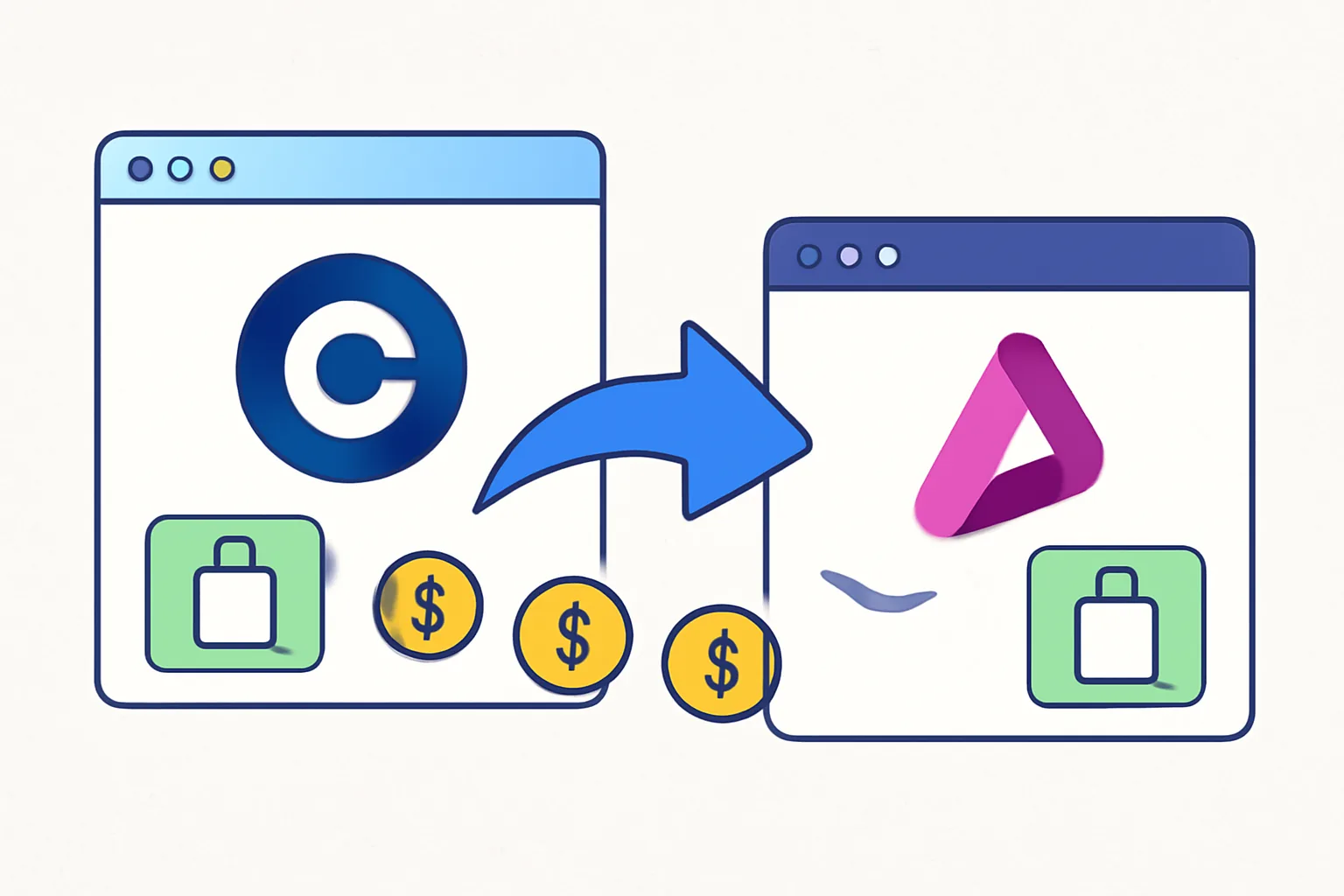
Many teams start with Stripe because it is familiar, then reach a point where the billing stack needs a different fit. That switch does not have to be chaotic. A careful team can plan how to migrate from Stripe to Payora in phases, keep revenue moving, and avoid the awkward moment when a customer pays twice or not at all.
The smart move is not a big-bang cutover. It is a controlled handover with receipts, screenshots, and one person named to own the final switch. If your billing touches subscriptions, one-off payments, and invoices, the transition deserves a written plan before any code changes land in production.
1. Decide whether to run Stripe and Payora in parallel
A parallel run gives you room to breathe. Keep Stripe active for the flows that are already stable, then move one live path to Payora first, usually the lowest-risk one such as new customer checkout or a single product line.
One team may keep renewals on Stripe for 14 days while new purchases go to Payora. Another may move only one region first. Both patterns work if the split is explicit, because a vague “we’ll phase it in” plan creates support tickets faster than it creates confidence.
Pick the flows that stay on Stripe during handover. Common choices are old subscriptions, legacy invoices, or accounts with prepaid balances. Move the simpler flow first. That keeps the number of moving parts small.
Do not let both systems charge the same customer path unless you can explain exactly which system wins. Two active billing engines on one checkout page invite duplicate events, duplicate emails, and duplicate confusion.
2. Audit the specific Stripe features you actually use
Start with a feature list, not a vague platform comparison. Stripe setups often hide more behavior than the team remembers: saved payment methods, subscriptions, invoices, webhooks, coupons, and checkout links.
Saved payment methods matter because they affect repeat purchases and renewal flows. Subscriptions matter because they often carry retry rules, billing dates, and pauses. Invoices matter because they can trigger both accounting and customer service work. Coupons and checkout links sound minor until marketing has built 20 active campaigns around them.
Write down each feature with one concrete example from your own system. For instance: “checkout link used by the annual plan landing page,” or “webhook for invoice payment failed.” That detail makes the migration real. It also stops surprise discoveries on launch day.
If your Stripe setup uses manual review, multi-currency rules, or special tax behavior, list those separately. They are easy to forget because they do not show up on the happy path. They still matter when a customer in Canada asks why a renewal email looks different.
what changes for enterprise teams when is a useful companion read if your billing setup has more than one department touching it.
3. Match your Stripe billing logic to Payora’s equivalent setup
Recurring billing is where migration plans get judged. Trial periods, retry timing, proration, and customer-facing dunning messages all need a line-by-line match before any live traffic moves. If Stripe bills on day 7 after a trial, then retries twice over 5 days, write that sequence down exactly.
Do not translate the logic by memory. A billing manager may remember “we retry a few times,” while the actual behavior is 3 retries over 9 days with one email after the second failure. That difference can change churn, customer trust, and support load in one week.
Payora should mirror the parts of the behavior that customers see and the parts your finance team depends on. If prorations are enabled on plan changes, keep the same policy. If trial users receive a reminder 2 days before billing, preserve that timing. If you offer a 14-day grace period, document where that grace period lives in the new setup.
One practical trick helps here: write the Stripe behavior as a customer story. “A user starts a trial on Monday, upgrades on Wednesday, and gets charged the prorated amount on Friday.” Then map that story to Payora and test it once in staging. A story is easier to verify than a spreadsheet full of abstractions.
If you need background on broader gateway decisions, the crypto payment gateway for ecommerce guide can help frame how payment flows connect to storefront logic.
4. Prepare your data and customer records for a clean cutover
Before you switch anything, export the records you will need later. That usually includes customer IDs, active plans, payment history needed for support or reconciliation, invoices, failed-payment notes, and any internal tags your support team uses.
The export itself is not the hard part. The hard part is knowing which fields matter 30 days later when a customer says, “I was charged on the old system, but the new receipt looks different.” Save the data in a format your team can actually search. CSV is fine if it is clean. A spreadsheet with merged cells is not.
Document the number of active subscriptions by product, region, or billing cadence. You do not need a fancy dashboard to do that. You need one file with names, dates, and a clear owner. If a cleanup is needed before launch, find it here, not after the switch.
Keep a short note for each account category. Example: enterprise customers, annual plans, paused accounts, and customers who use manual invoices. That list prevents the support desk from guessing when a ticket comes in on the first Monday after go-live.
Need a refresher on payment testing before any data moves live? Read how to test a crypto payment and adapt the same discipline to your Stripe-to-Payora cutover.
5. Update integrations in a staging environment first
Staging is where mistakes are cheap. Replace Stripe endpoints, keys, SDK calls, and checkout references there before you touch production code. One broken webhook in staging is a lesson. One broken webhook in production is a pager.
Set a fixed checklist for the engineering team. Update API keys. Swap payment endpoints. Confirm that the app still creates a customer record. Confirm that a successful payment returns the response your backend expects. Then run the same path again with a failed payment, because happy-path testing alone hides too much.
Some teams forget the obvious places. Billing scripts. Admin tools. Mobile app settings. Marketing landing pages with old checkout links. Each one can keep calling Stripe after the main app is changed, and that creates the strange half-migrated state nobody wants to explain to finance.
Do the staging change in one branch or one environment, not in fragments over several weeks. Fragmented work makes it harder to tell whether a bug came from Payora, the application code, or an old configuration value nobody noticed in the first place.
6. Rebuild webhooks and backend event handling for Payora
Webhooks are the part of billing that quietly keeps the rest of the system honest. Your app may depend on events such as payment succeeded, payment failed, subscription renewed, invoice paid, or cancellation completed. Each Stripe event that drives a workflow needs a Payora counterpart and a checked code path.
List every backend action triggered by a Stripe event. Send a welcome email. Activate a user account. Extend access by 30 days. Mark an invoice as settled. Create a support task after failure. Then test each one with a Payora event in staging, because the event name alone does not prove the backend logic is correct.
Watch for subtle differences. One system may send an event immediately, another after processing delay. One may include a customer ID in a place your code never expected. These small mismatches cause large problems when the workflow is tied to provisioning, access control, or accounting.
Keep the event handler simple during the first week. If you can reduce the number of branches, do it. One clean path beats three clever ones.
If your team writes custom backend code, this is also the moment to review how to connect payora so the implementation pattern is not guessed from memory.
7. Move live traffic in controlled batches
Batch rollout is safer than a full switch. Move a small slice of customers, a single product, or one region to Payora first. A 10% slice is easier to observe than a 100% leap, even if the exact percentage changes by team.
Define the batch before you start. For example: new signups only, or annual plans only, or customers who renew on Tuesdays. One rule at a time. That makes rollback possible if a specific workflow behaves badly under live traffic.
Keep Stripe available for the rollback window. If a batch fails, move the traffic back without debating the root cause first. You can investigate afterward. Customers prefer recovery over explanation.
Batch rollout also gives support a chance to learn the new patterns. The first few tickets will expose oddities you never saw in staging, such as a customer who uses a saved card from last year or an invoice paid from a bookmarked link.
If your rollout includes digital product billing, the how to accept crypto payments article is a useful companion for payment-flow thinking beyond card rails.
8. Verify payments, subscriptions, and support workflows after launch
The first 72 hours after launch deserve attention. Check a live payment, a renewal, a failed payment, and a refund path if refunds are part of your process. Then ask support to watch the inbox for wording changes, missing receipts, and customers who still have the old Stripe reference in their records.
Look at the things customers notice first: charge descriptors, renewal timing, and the email they receive after payment. If a subscription renewal lands one day earlier than it did on Stripe, somebody will ask why. If a failed payment message points to the wrong help article, somebody will ask twice.
Finance should also review the first reconciliation pass. Match the payment records to the internal order list. Confirm that the customer IDs line up. Confirm that any failed transactions are visible to support and not buried in logs nobody checks until Friday.
One practical after-launch habit helps a lot: keep a daily log for the first week with 3 items only. What failed. What was fixed. What still needs review. Short logs get read. Long reports get archived.
If your team ships subscription-heavy products, the crypto payment gateway for freelancers article can offer a useful perspective on invoicing patterns that look simple but behave differently in production.
What a good Stripe to Payora migration looks like in practice
A good migration is boring in the best way. One batch moves. One webhook fires. One renewal lands where it should. The team checks the result, fixes the edge case, and keeps going. That is the point of all the planning: fewer surprises, fewer interruptions, and fewer “why is this customer still on the old path?” messages.
The final decision usually comes down to discipline, not technology. Teams that document the Stripe behavior, test the Payora replacement in staging, and move live traffic in batches usually finish with less stress than teams that try to switch everything in one night. The difference shows up in support volume almost immediately.
Keep the rollback path open until the first week is quiet. Keep the data exports nearby. Keep the webhook logs readable. Then leave the last real item on the list where people can see it: the next renewal date for your first batch of customers on Payora.



Comments